


|
Name |
SPlayer |
|---|---|
|
Google Play Link |
GET IT ON
Google Play
|
|
Category |
Video Players & Editors |
|
Developer |
S Media Team |
| Last version | 1.4.3 |
|
Updated |
|
|
Compatible with |
Android 7.0+ |
Introduction to SPlayer APK
SPlayer is a mobile application designed for Android devices. It belongs to the utility category and focuses on video playback. The app is built for users who want a smooth way to watch videos without struggling with format limits or confusing controls.
The main purpose of SPlayer is to play almost any video file stored on a phone or streamed online. It supports local files, direct links, and torrent-based streaming. Users can open videos quickly, control playback with gestures, and switch between modes without digging through menus.
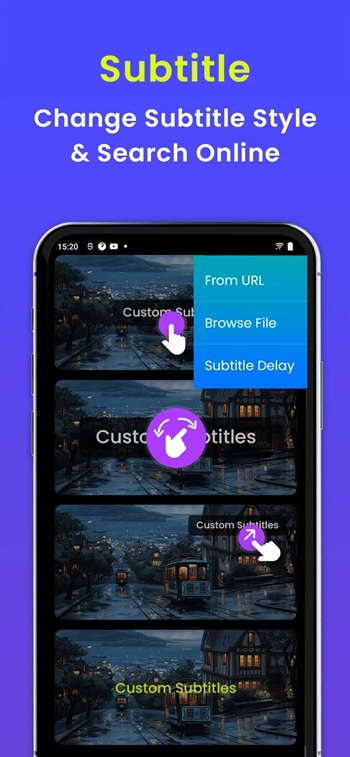
One of the most noticeable strengths of SPlayer is format support. It handles common and less common video and subtitle formats with ease. Subtitle tools allow font changes, timing control, and external subtitle loading from storage or URLs. This makes it useful for movies, series, and foreign-language content.
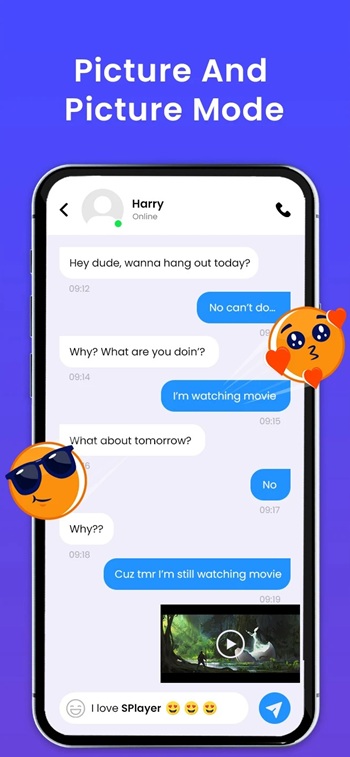
SPlayer also focuses on convenience during daily use. Picture-in-Picture mode lets videos keep playing while other apps are open. Background playback supports audio-only listening. Chromecast support allows streaming to a TV, which works well for longer viewing sessions at home.
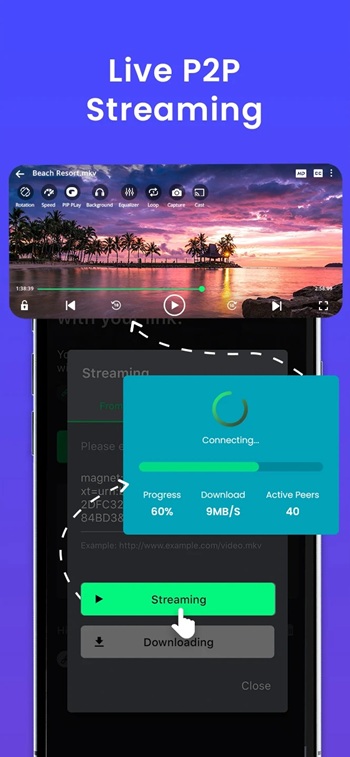
Another standout area is torrent streaming. The app can stream magnet links or torrent files directly without waiting for a full download. Users can seek during playback, choose specific files inside a torrent, and cast supported formats to a TV. This saves storage space but depends heavily on network stability.
There are some limitations to consider. Torrent streaming requires a strong internet connection and may increase data usage. Some features need multiple system permissions, which may feel intrusive to cautious users. Performance can also vary on older devices with limited hardware resources.
SPlayer suits users who watch many video formats, rely on subtitles, or prefer flexible playback options. It works well for commuters, language learners, and anyone managing large video libraries. It is especially practical when storage space is limited or when streaming content directly is more convenient than downloading.
FAQs SPlayer
What is SPlayer?
+
SPlayer is an Android video player app designed to play local files, online streams, and torrent videos while supporting many video and subtitle formats.
Is SPlayer free to use?
+
Yes, SPlayer can be downloaded and used for free, though some features may depend on device support and system permissions.
Can SPlayer stream torrent videos without downloading them fully?
+
Yes, SPlayer allows direct torrent and magnet link streaming with seeking support during playback.
Does SPlayer support subtitles?
+
SPlayer supports multiple subtitle formats and lets users adjust font style, size, color, and timing or load subtitles from URLs.
Who should use SPlayer?
+
SPlayer is suitable for users who watch varied video formats, rely on subtitles, stream content often, or want advanced playback features on Android.
Discover More Interesting Apps
-
 Mod
Web Video Cast
v6.2.0.1
86.79 Mb
Updated -
Mod
VN Video Editor
v2.26.0
433.71 Mb
Updated -
Mod
KineMaster
v8.2.20.37538.GP
167.92 Mb
Updated -
Rumble
v2.12.1
11.51 Mb
Updated -
Mod
VN
v2.26.1
453.96 Mb
Updated -
Mod
Wink
v3.21.5
172.87 Mb
Updated -
Capcut Pro
vUnknow
72 MB
Updated -
Mod
YouCut
v1.730.1226
58.61 Mb
Updated -
Mod
invideo AI
v4.6.4
212.00 Mb
Updated -
Flud
v2.2.11
41.73 Mb
Updated









Share Your Thoughts